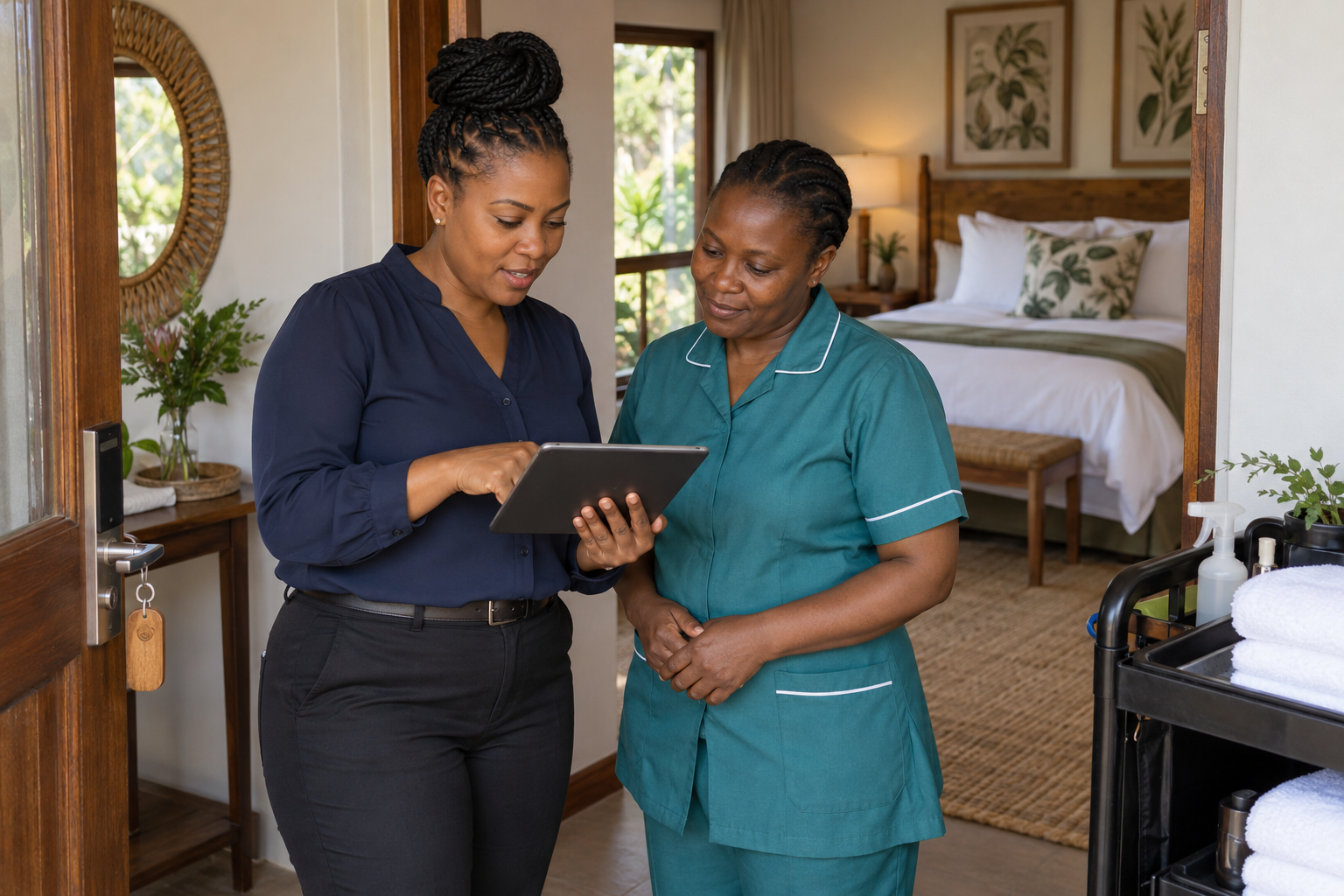
Reception thinks a guest has left. Housekeeping reaches the room and finds their bags still inside. The next guest is already asking about early check-in.
For a guesthouse manager, that means interruptions, delays and an uncomfortable conversation that could have been avoided.
A clear handover starts with everyone knowing what has actually happened.
Confirm departure before sending housekeeping
The scheduled check-out time does not prove that the room is empty. Reception should confirm departure and record any agreed late check-out.
A shared view of bookings and room allocations helps the team see which departure and arrival belong to each room. Staff still need to confirm that the guest has physically left.
Pass on a short, useful handover
Housekeeping needs the room number, departure confirmation, next arrival time and any issue requiring attention.
“Room 4: guest departed, arrival at 14:00, check leaking shower” is useful. A long conversation buried in a WhatsApp group is harder to follow.
Give each room a named person responsible for it. With housekeeping allocation linked to room handovers, managers can follow the work without repeatedly asking who is cleaning where.
Make “ready” mean ready
Keep the stages clear:
- Occupied: the guest has not checked out.
- Awaiting cleaning: departure is confirmed.
- Cleaning: a team member is working on the room.
- Awaiting inspection: cleaning is complete; a final check is needed.
- Ready: the room can receive the next guest.
- Maintenance hold: a problem prevents the room being released.
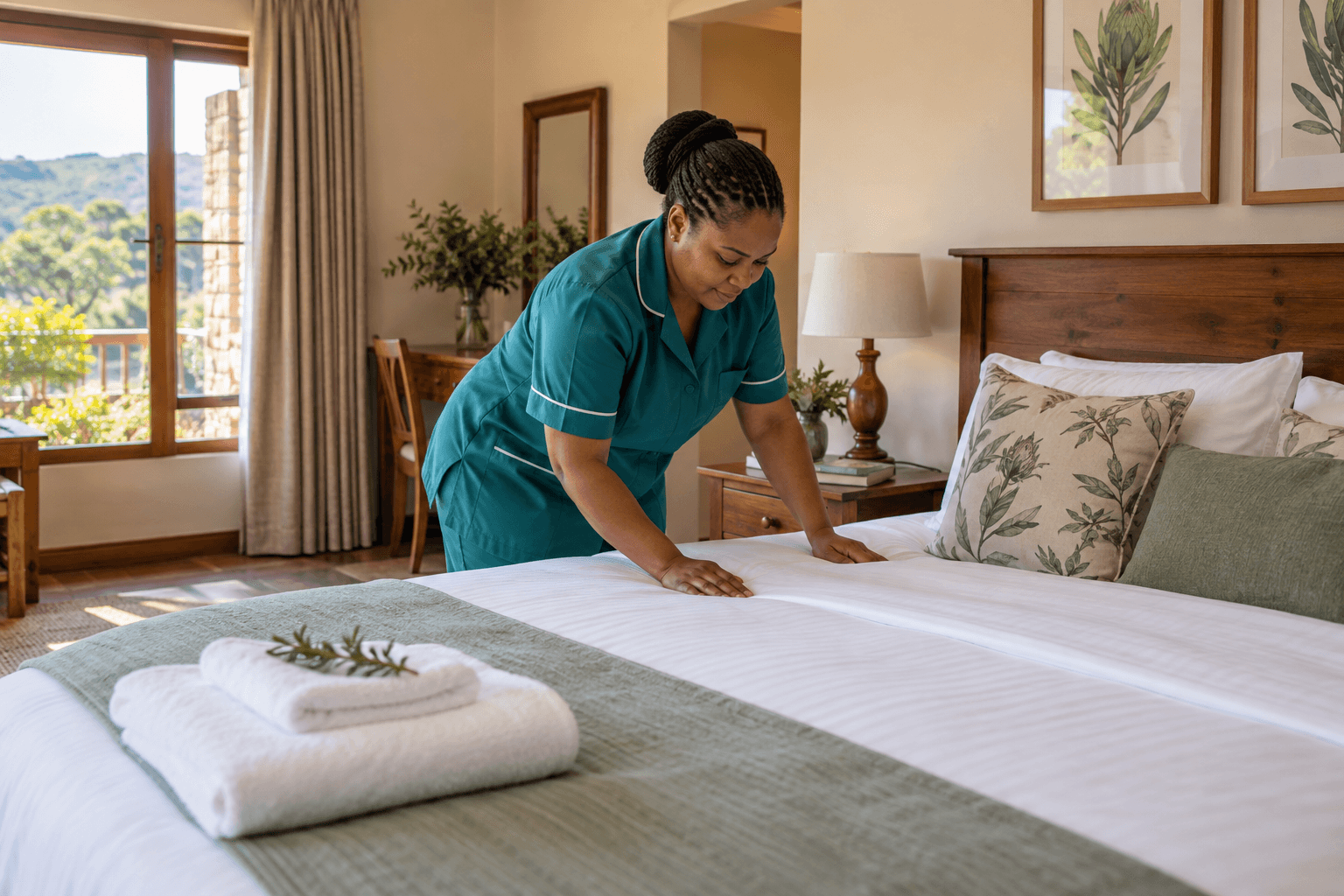
A small team may have one person clean and inspect. The final check still matters: linen, towels, bathroom supplies, lights, water and any fault reported during the previous stay.

Close the loop with reception
Once the room is ready, reception needs to know immediately. That is what allows staff to give arriving guests a reliable answer.
Front Pulse’s connected check-out and housekeeping workflow helps carry that update through the team. It supports the handover; it does not replace the physical room check.
Start each morning with a short review of departures, arrivals, cleaning priorities and unresolved maintenance. Then update the shared record as the day changes.
The aim is simple: your team should spend more time preparing rooms and welcoming guests, and less time chasing updates.
How Front Pulse solves this
Front Pulse connects the guest’s check-out with the room’s housekeeping handover. Reception and housekeeping work from linked records, so the manager can follow a room from departure through cleaning and inspection.
1. Reception confirms check-out
Once the guest has actually left, reception checks them out in Front Pulse. The system marks the allocated room dirty and creates its housekeeping handover. Your team has a clear starting point for preparing the room for the next arrival.
2. Allocate the room to a team member
Add your housekeeping staff and use the housekeeping workspace to allocate the cleaning tasks. Each task can carry an assigned person and practical notes, so responsibility is clear and important details stay with the work.
3. Update progress as the room is cleaned
Mark the task in progress when cleaning starts. Once the work is finished, mark it done; Front Pulse updates the room to clean. The manager can see the recorded progress without calling each cleaner for an update.
4. Record the final inspection
After checking the room in person, mark the task inspected. Front Pulse records that step and updates the room’s housekeeping status. Your team can distinguish completed cleaning from a completed inspection.
5. Prepare for the next arrival
Reception can review the room’s updated status alongside its booking and allocation information. If a guest is still in-house or a room needs further attention, staff can coordinate the next action before promising it to an arriving guest.
This gives your team a straightforward routine: confirm departure, allocate cleaning, update progress and record the final check. See how Front Pulse supports your reception and housekeeping team, or talk to us about your property’s workflow.